Drop in and press Play
Add files or entire folders, including subfolders. See duration, BPM, sample rate and bit depth in one library. Use familiar transport controls, waveform seeking, listening volume and peak indicators to explore your sounds.
Freeware for Mac
Play. Loop. Restore. Convert.
That forgotten sample folder. That Sound Designer II recording. That REX loop you still love. Bring them back into your music with a friendly audio toolbox built for today’s Mac.
Listen quickly, find the perfect section, convert a whole batch, or add a little old-school grit. sndBOX turns supported audio into fresh, usable copies while keeping your originals untouched.
Version 1.0.0 · macOS 14 Sonoma or later
Apple Silicon & Intel · Free for personal and commercial use
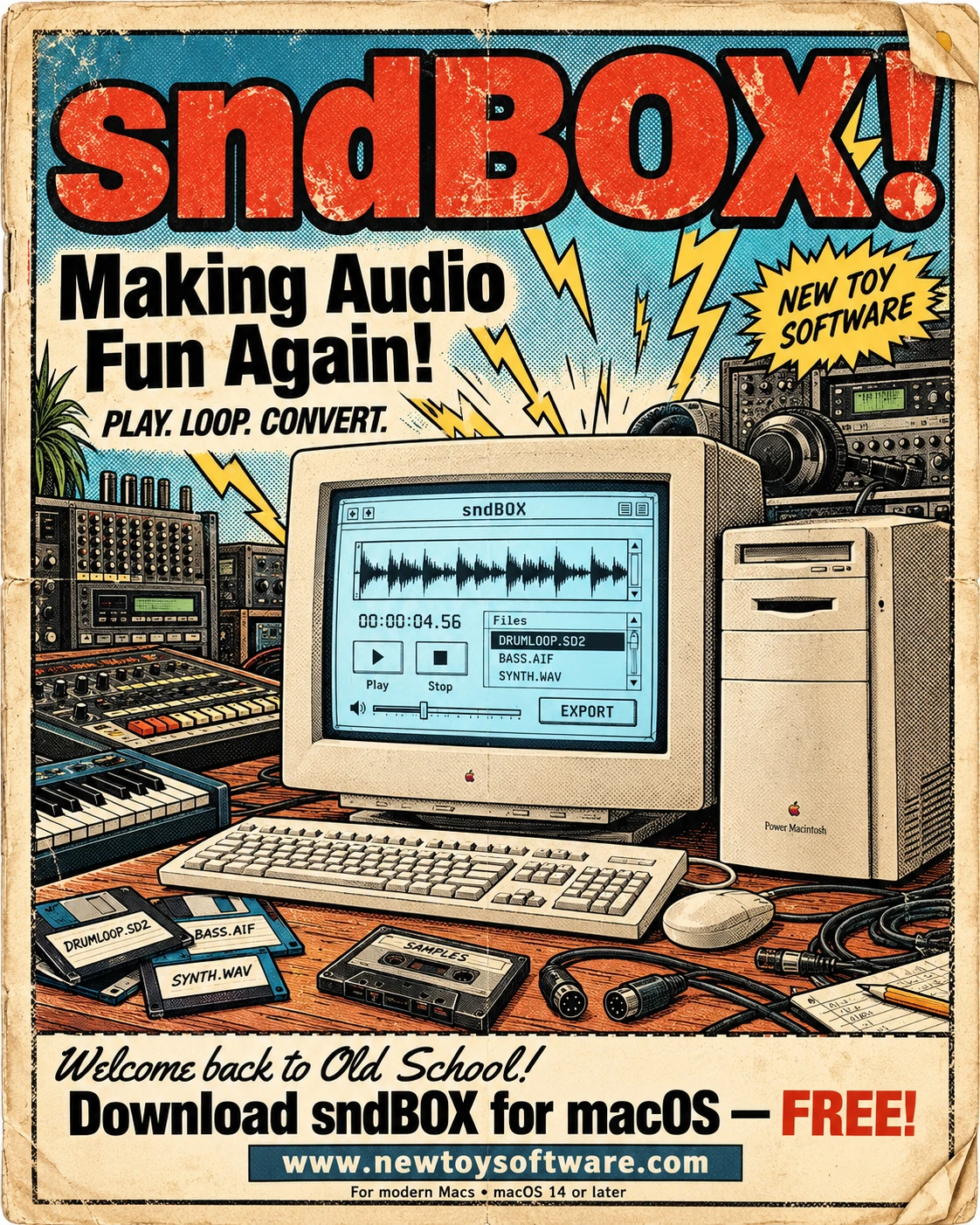
Making audio fun again
From a quick audition to a folder full of conversions, keep the tools you need close at hand.
Add files or entire folders, including subfolders. See duration, BPM, sample rate and bit depth in one library. Use familiar transport controls, waveform seeking, listening volume and peak indicators to explore your sounds.
Repeat a whole recording or mark a section with draggable loop boundaries. Zoom the waveform up to 64×, fine-tune with the keyboard, and undo or redo boundary changes.
Save your chosen section once, or repeat it up to 999 times in one exported file. Choose the format, sample rate and channel layout for your next project.
Check the recordings you want, or select library rows, then batch-export with shared settings. Follow progress and review each result. Existing files and original recordings are protected from overwriting.
Read supported BPM tags, or use Get to estimate the tempo of an untagged recording. Known BPM follows your audio into supported exports, including loops and batches. Detection does not change playback speed.
Choose three Vinyl textures, dial in Hum, push clipping drive from +1 to +12 dB, or try 8-bit and 12-bit lo-fi treatment. Save true 8-bit WAV files when you want that storage format.
For supported changes in single-file export, compare Original and Processed auditions before saving. Preview Vinyl or Hum separately and try New Pattern for a different noise starting point.
Save export defaults, preserve mono/stereo layout or convert channels, and adjust rate, depth or AAC bitrate. A searchable built-in manual, glossary and keyboard controls help you get comfortable quickly.
Sound Designer 2 support & restoration
Old sessions deserve another listen. sndBOX opens supported Sound Designer II recordings and can prepare playable recovery copies from surviving resource-fork or AppleDouble companion metadata.
If that format information has been lost, eligible files can be interpreted with explicitly assumed settings. Compare common rate and depth choices, or use Advanced SD2 Recovery to set sample rate, bit depth and mono/stereo layout.
Once the audio sounds right, convert it to WAV, AIFF, FLAC or AAC/M4A for modern workflows—or save a new SD2 copy.
Link compatible matching .L and .R mono files for stereo playback, shared waveforms and looping. Export one stereo file or separate left/right mono files, individually or in a batch.
Recovery restores access to surviving audio; it cannot recreate missing samples or prove the original recording settings. Check assumed formats and channel alignment by listening. Open the containing folder to make companion metadata accessible, and preserve resource forks when sharing SD2 files.
REX integration
Open .rex, .rx2 and .rcy files using the integrated Reason Studios REX decoder. sndBOX prepares the complete loop at its original tempo, bringing its slice positions and stored mute, gate and decoder processing into the rendered audio.
Audition it, repeat it, select a section or convert a folder of loops into any of sndBOX’s five output formats. Original loop BPM is carried into supported exports.
Export WAV or AIFF for editing, FLAC for lossless storage, AAC/M4A for compact listening copies, or SD2 for a compatible legacy workflow.
REX playback uses original loop tempo, which can differ from ReCycle’s saved playback tempo. sndBOX does not edit slices, change tempo, export individual slices or write REX files. Mono/stereo loops at 8–192 kHz and 20–450 BPM are supported within size limits; compatibility varies across historical REX files.
Open old favorites. Save new copies.
Everyday audio: WAV (.wav, .wave), AIFF (.aif, .aiff), FLAC, MP3, M4A and AAC.
Legacy recordings and loops: Sound Designer II (.sd2, eligible .L/.R and extensionless files), REX (.rex), REX2 (.rx2) and ReCycle (.rcy).
Additional native audio: compatible AIFF-C (.aifc), CAF, AU/SND, Broadcast WAV (.bwf or .wav) and AC3 files can be tried through macOS audio decoding. The actual encoding determines whether a file opens; an extension alone is no guarantee. OGG, WMA and APE playback is not guaranteed.
| Save as | Available settings | A good fit for |
|---|---|---|
WAV .wav | 8-, 16- or 24-bit integer PCM; listed rates from 8–192 kHz | Editing, sample libraries and broad compatibility |
AIFF .aiff | 16- or 24-bit integer PCM; listed rates from 8–192 kHz | Uncompressed audio for Mac and studio workflows |
FLAC .flac | 16- or 24-bit lossless; listed rates from 8–192 kHz; automatic compression | Lossless copies with smaller files |
AAC / M4A .m4a | AAC-LC; 44.1 or 48 kHz; 64, 96, 128, 192 or 256 kbps, where supported for the chosen layout | Compact listening and sharing copies |
Sound Designer II .sd2 | 16- or 24-bit integer PCM; offered rates from 8–192 kHz; native resource fork | Compatible legacy audio workflows |
MP3 is an input format; MP3 export is not included. Outputs are mono/stereo and must remain below applicable 4 GB limits, including intermediate audio. Known BPM is retained; artwork, markers, regions and other original metadata are not copied. Increasing sample rate or bit depth does not recover lost detail.
No. Playback, recovery and conversion leave originals untouched. Exports require new destinations. Listening volume affects what you hear, not the saved audio. Keep backups of irreplaceable recordings and check recovered exports before relying on them.
Audio processing happens locally. No separate decoder installation, account or internet connection is required for normal operation. Read the New Toy Software Privacy Policy for more information.
The library, linked SD2 pairs and loop selections belong to the current session. Reopen your files next time. Export defaults and window positions are remembered.
No. SD2 recovery depends on surviving audio and valid metadata or correctly chosen assumptions. Linking channels does not automatically align them. Tempo detection is an estimate, and section loops do not apply automatic crossfades or beat snapping. The built-in manual explains these tools and their limits.
Welcome back to old school
Download sndBOX 1.0.0 for macOS 14 Sonoma or later. Runs on Apple Silicon and Intel Macs. Freeware for personal and commercial use, with no subscription.
Open the DMG, drag sndBOX to Applications, then launch it and drop in your audio. The app and disk image are Developer ID signed and notarized by Apple. macOS may show its normal first-open confirmation.
Need a hand? Use the built-in Help manual or email sndBOX support.