Hear whether it fits.
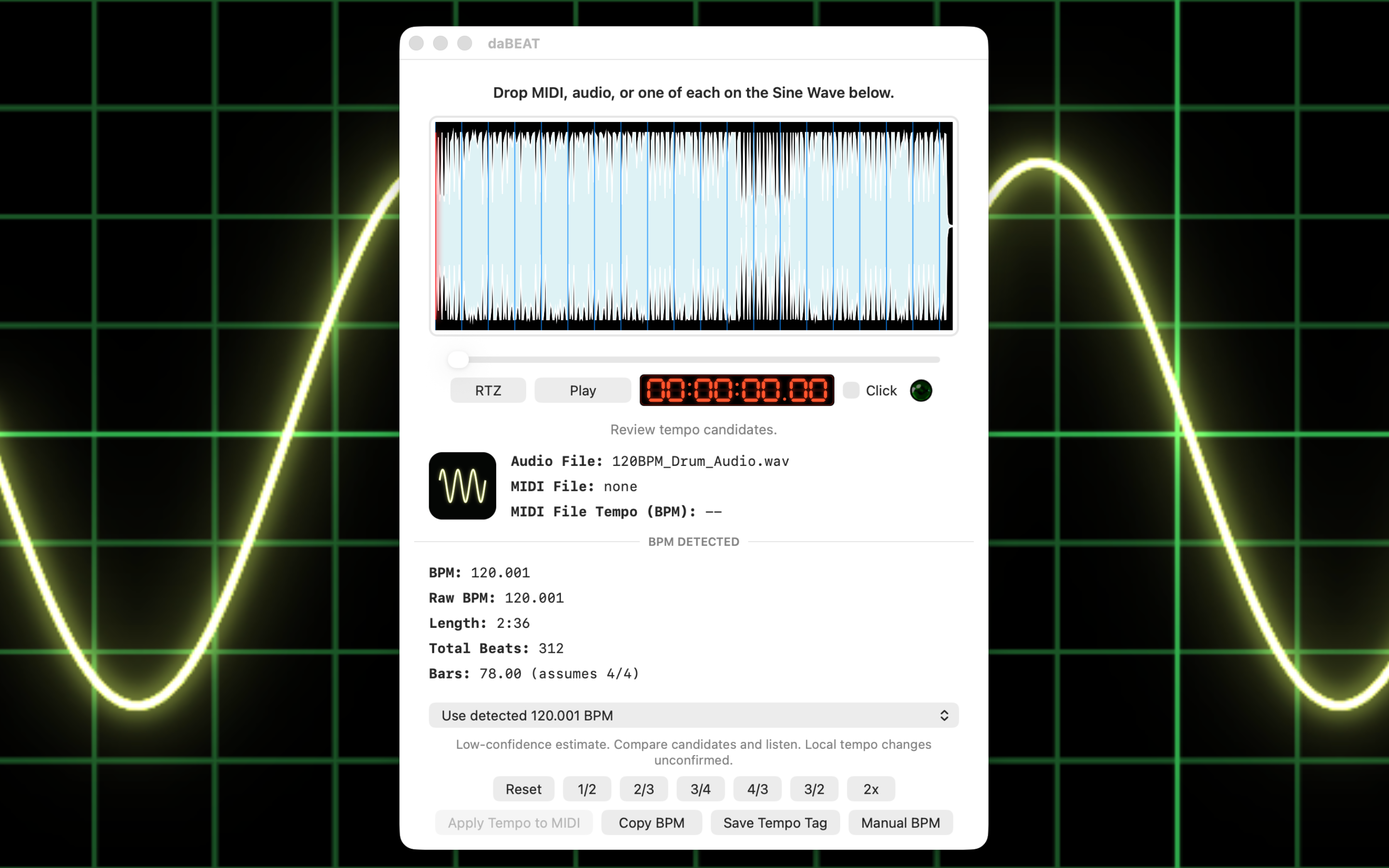
Play the audio with an optional click track at your selected BPM. Choose from three click sounds and set its volume independently. Compare tempo candidates and half-time or double-time interpretations with your ears.

Introducing daBEAT 1.0 for Mac
From an untagged loop to your next remix, turn a recording’s pulse into something you can use.
Detect BPM, hear it against a click track, and carry your chosen tempo into MIDI files and audio tags. Prepare one idea or an entire folder of samples—all in one focused Mac app.
Available Soon on the Apple App Store
More than a BPM readout
A BPM-only workflow leaves you to audition the result, move the tempo into your MIDI arrangement, and organize your samples separately. daBEAT brings those next steps together. For producers and song remixers, that means fewer handoffs between finding the beat and putting it to use.
Play the audio with an optional click track at your selected BPM. Choose from three click sounds and set its volume independently. Compare tempo candidates and half-time or double-time interpretations with your ears.
Drop in a recording and a MIDI file together. Apply your chosen tempo to a separate MIDI copy, ready to try in your DAW. A practical starting point for building a new arrangement around an existing recording.
Read tempo and save tempo edits in supported MIDI 2.0 SMF2CLIP files, alongside MIDI 1.0 files. daBEAT explains when a clip is read-only, so compatibility limits stay visible.
Use built-in audio playback, a waveform, beat markers, Play/Pause, Return to Zero, and a scrub slider. Inspect local tempo evidence in longer songs before choosing a tempo for your remix.
Batch scan folders of supported audio, review proposed BPM tags and corrections, select the files you want, and save tagged copies. Spend less time labeling samples and more time finding the right groove.
Convert .rx2 loops into WAV copies carrying their embedded BPM. Handle a single loop or batch convert and tag a folder for use in an audio-based production workflow.
Made for the next step in your session
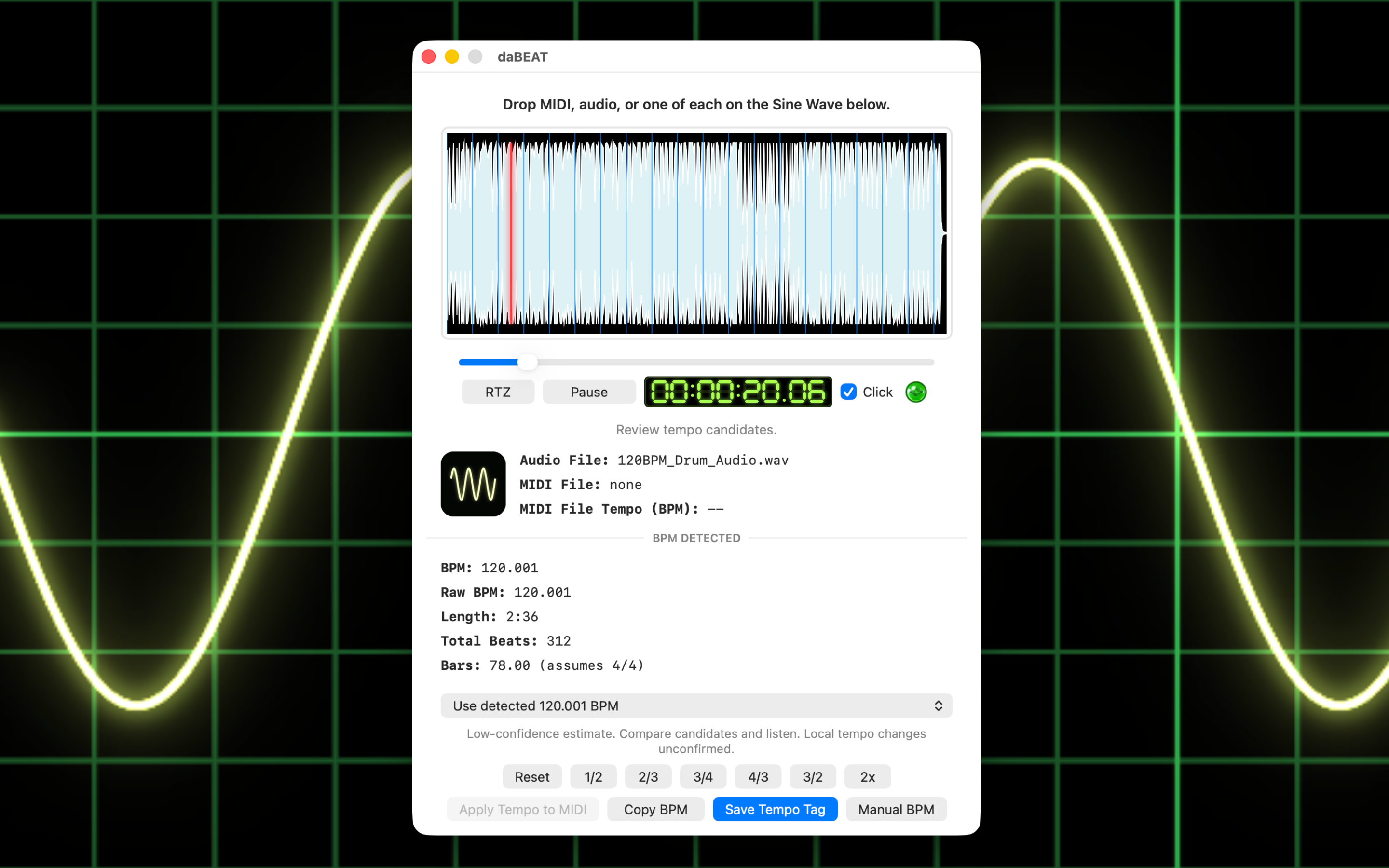
Check the selected pulse against the recording with a click you can hear clearly. The click is a listening reference and is never mixed into your saved audio.
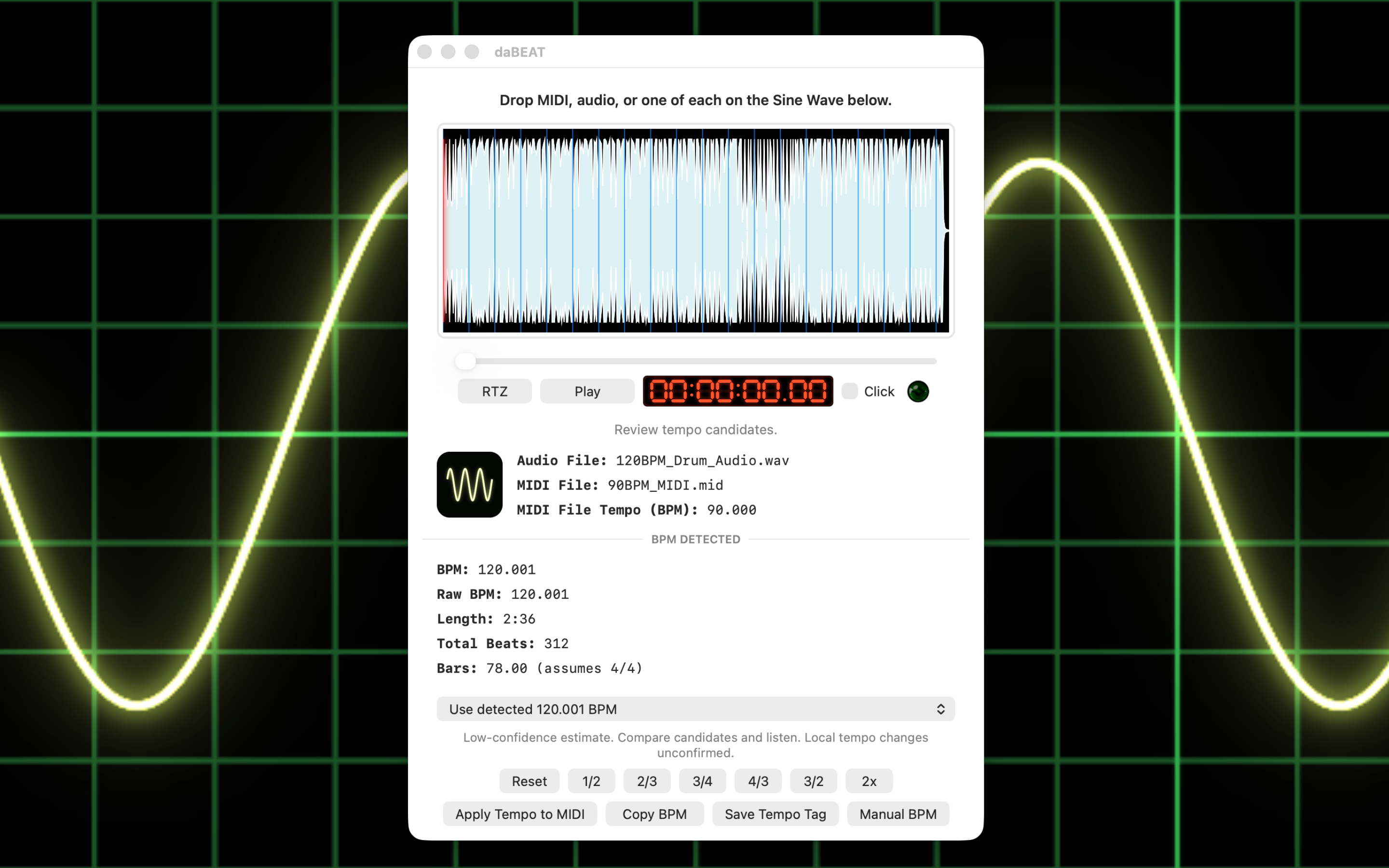
Bring the recording’s selected BPM to a MIDI pattern or arrangement. Apply Tempo writes a new copy with one chosen tempo; it does not transcribe the audio or align individual notes.
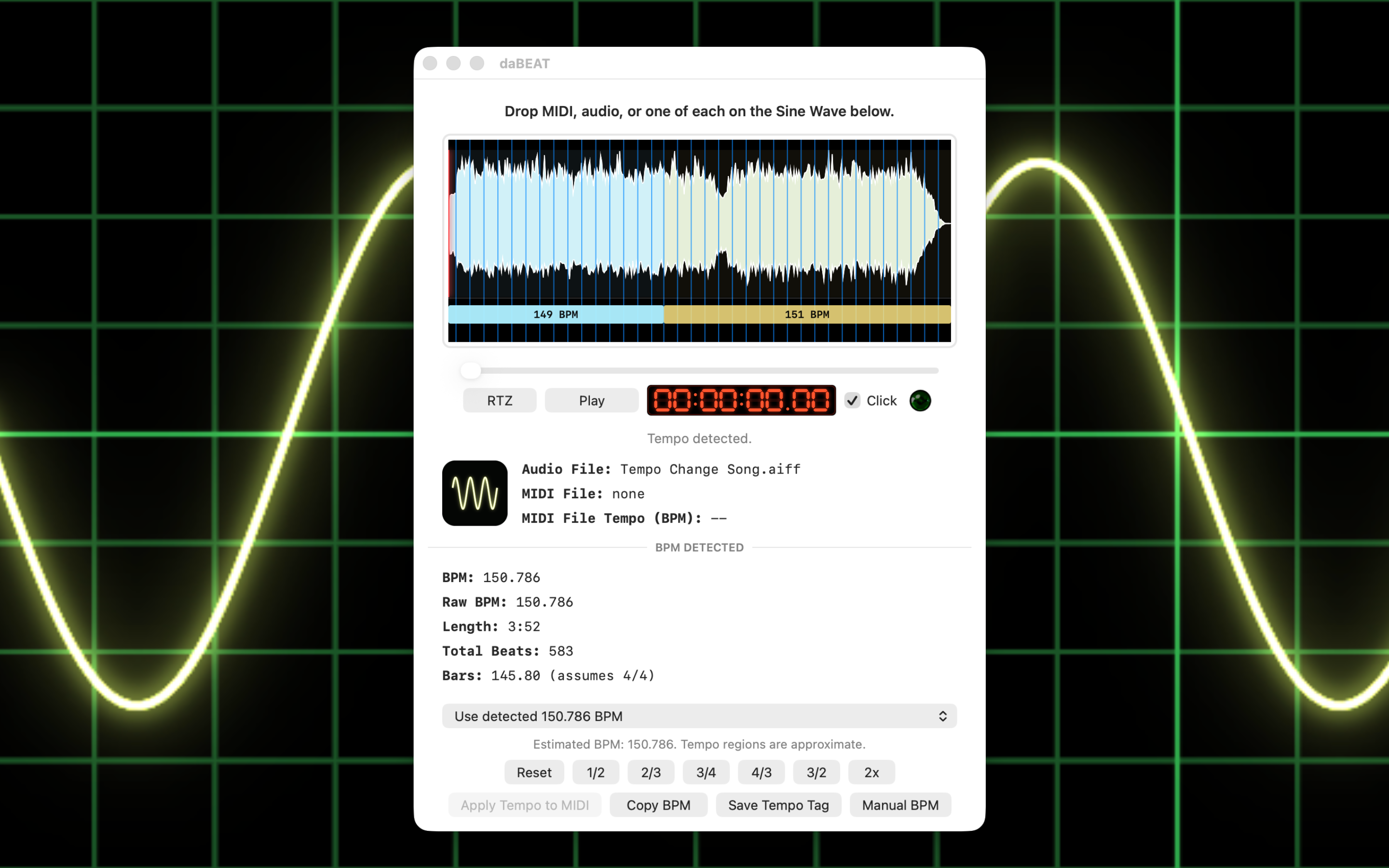
Review local tempo estimates in longer recordings, scrub to a passage, and listen. The read-only timeline helps you investigate changes; it does not export a variable tempo map.
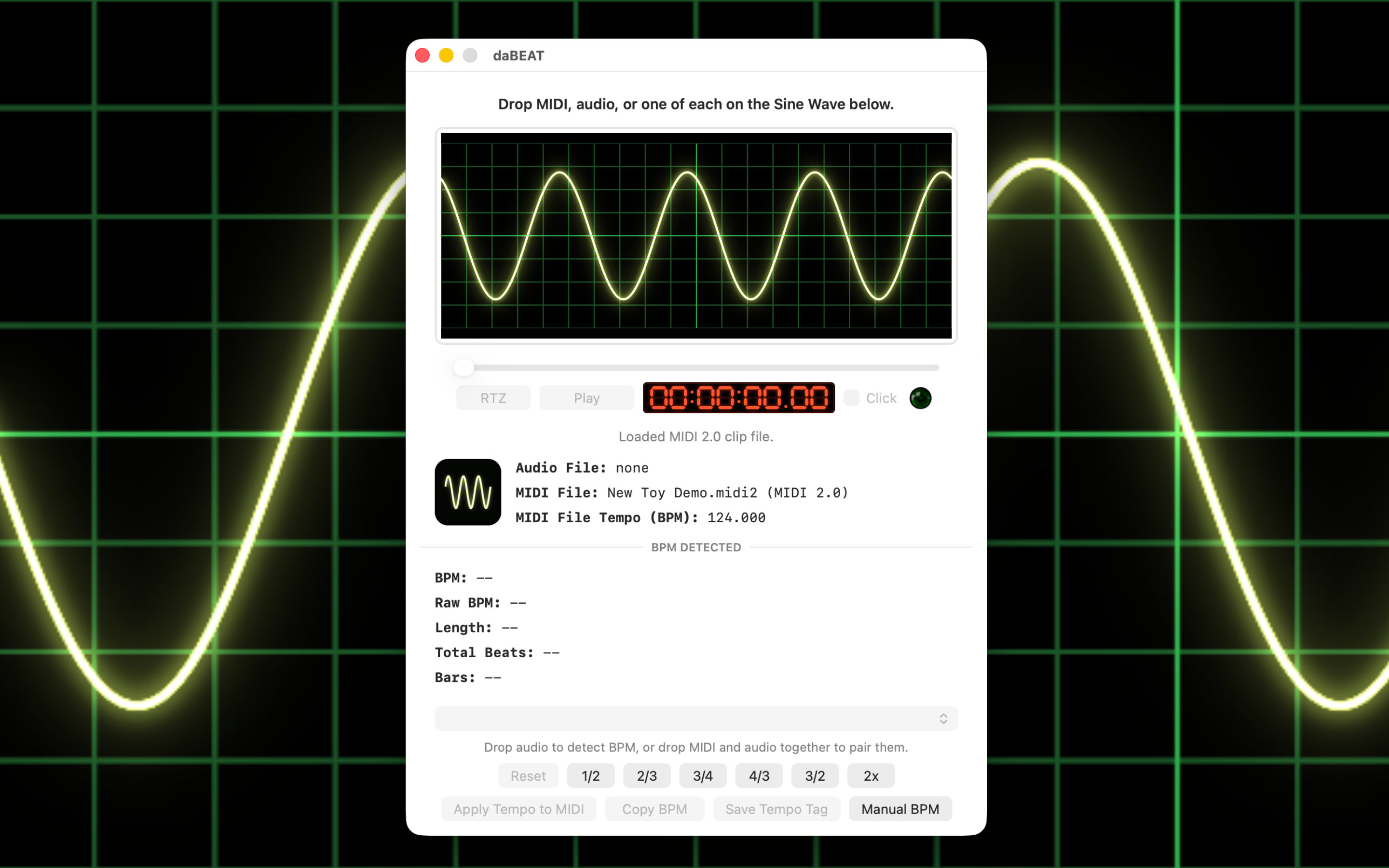
Use compatible .midi2 clips in the same tempo workflow. Support covers clip tempo reading and supported sequence-tempo editing, with clear limits for files that cannot be edited safely.
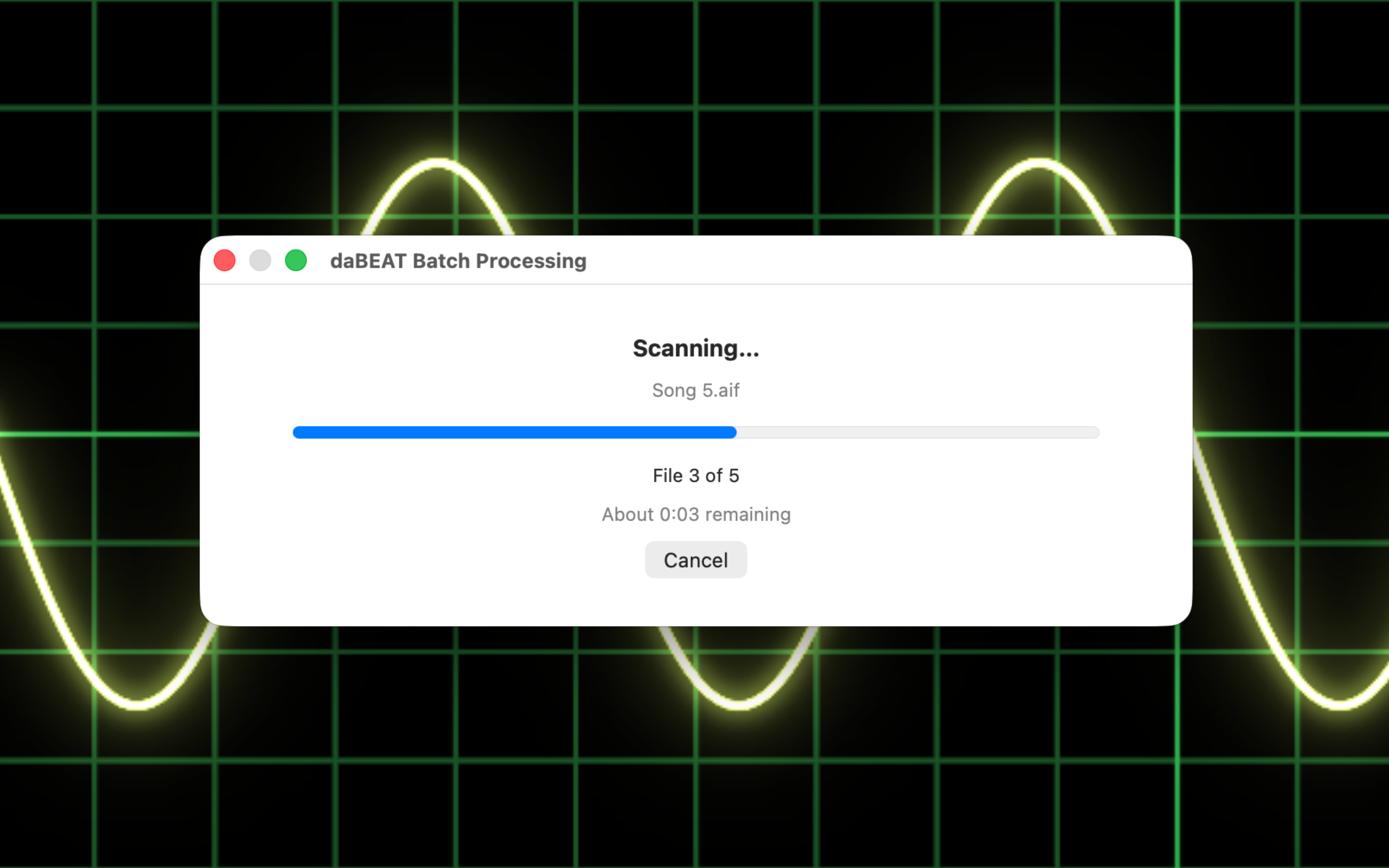
Review tagging and correction plans before writing. Each selected file keeps its own planned BPM, while original files stay untouched.
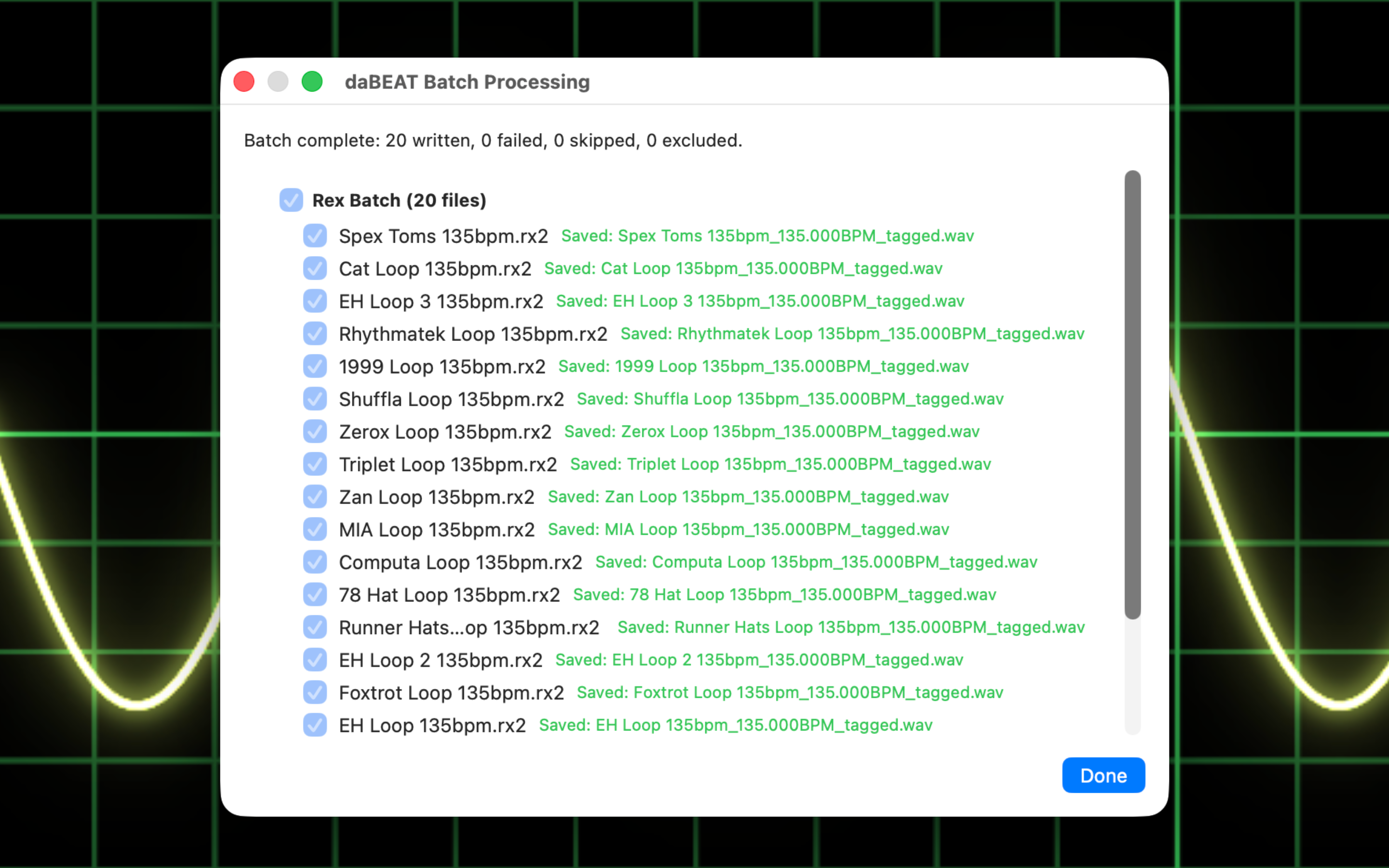
Batch convert supported REX2 loops to BPM-tagged WAV copies using their embedded loop tempos. Open the converted WAVs to audition them in daBEAT.
Your music, your decisions
Compare alternate tempo candidates, use rhythmic ratio corrections, or enter a Manual BPM when you already know the pulse. daBEAT processes your files locally on your Mac and saves output copies to a location you choose.
Beat detection is an estimate, especially with syncopation, sparse passages, or changing tempo. Built-in listening tools help you make the musical decision. Audio tagging changes metadata, not playback speed.
daBEAT 1.0 · Release pending
Available Soon on the Apple App Store
Join the New Toy Software Updates list for release news.